
You picked the Team plan price node with a CSS selector, watched it fire cleanly for months, then heard about a $49 to $79 raise from a prospect. The Distill Chrome extension had been closed for a week. Or the cloud monitor was still "healthy," but a redesign moved the price into a new wrapper and your selector resolved to nothing. Silence looked like coverage.
That is the fork for people searching Distill Web Monitor alternatives. Distill is strong when you live in DevTools and want precise region control. Competitor pricing and changelog jobs expose the other side: local watches that need the browser open, and selectors that break without a loud failure. This guide compares four alternatives against that job, and names when staying on Distill is still right.
What you'll learn
- Why selector power users leave Distill for website change monitoring on competitor pages
- A side-by-side table of Visualping, changedetection.io, ChangeTower, and Competiflow against Distill
- How Distill cloud vs local monitoring differs, including the browser-must-stay-open trap
- When CSS selectors fail after a pricing redesign, with a $49 to $79 field-level example
- A constraint table for which tool to pick, not a single ranked winner
- When keeping Distill (and when Competiflow is a poor fit)
TL;DR: Keep Distill when you maintain CSS selectors on cloud monitors. Pick Visualping for screenshots, changedetection.io for self-host volume, or ChangeTower for archives. Pick Competiflow when rival pricing needs named field paths. Match the tool to the constraint, not a ranked winner.
Why teams look for Distill Web Monitor alternatives
Teams look for Distill Web Monitor alternatives when selector upkeep, local-watch reliability, or missing interpretation starts costing more than Distill's free tier saved. The product still works. The job moved from "watch this node" to "tell the team which plan price moved."
Distill (often searched as distill.io) is a website change monitor built around CSS and XPath selectors, with cloud checks and a Distill Chrome extension for local watches. You isolate a price cell, a changelog heading, or any DOM region, and Distill diffs that slice. The free tier covers 25 monitors. Starter runs about $15 a month and Professional about $35 with a larger check allowance (verified at draft time; confirm on their pricing page). That is a generous free website change monitor if you will maintain selectors. The pain shows up on competitor SaaS pages: marketing redesigns the pricing grid, your selector goes dead, and you learn about the raise from a deal call. Local monitors add another failure mode. If the browser is closed or the laptop sleeps, the Distill Chrome extension is not checking.
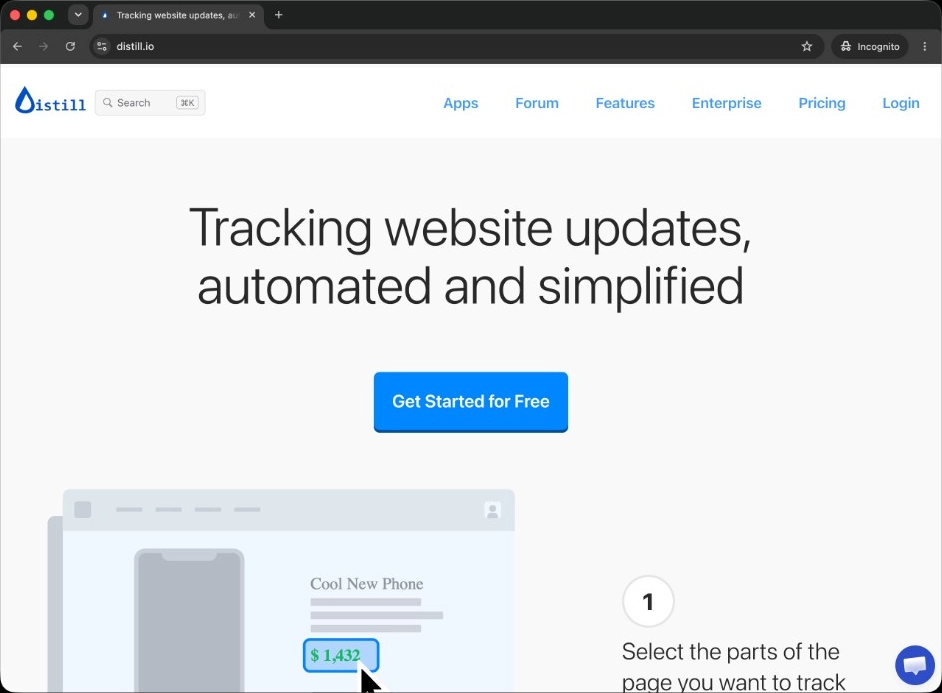
Collaboration is another break point. Distill works well for a technical owner, while product marketing often wants a shared feed, severity, and a plain summary without opening DevTools. Interpretation is the same gap in different clothes: a selector alert that the text node changed still leaves you to decide whether it was a footnote or a price increase. Teams that already run Distill for internal portals often want a second tool for competitive surfaces, or a replacement that speaks in plan names.
For the wider category framing, see the competitor monitoring tools roundup for SaaS and Visualping alternatives for pricing pages.
Distill Web Monitor alternatives compared
Visualping, changedetection.io, ChangeTower, and Competiflow differ from Distill on detection model, hosting, and whether the alert carries a parsed price or a region to inspect. Use the table first, then the short product notes below.
| Tool | Detection model | Hosting | Competitor fit | Check model and entry price | Alert noise on competitive-intelligence (CI) pages | API / automation |
|---|---|---|---|---|---|---|
| Distill | CSS / XPath selector on a region; text or visual | Cloud and/or Distill Chrome extension (local) | Strong while selectors hold on pricing nodes | Free 25 monitors; Starter $15/mo; Professional $35/mo | Low while selectors hold; silent after redesigns | Limited public API |
| Visualping | Visual snapshot diff, optional region crop | Hosted | Good for static pages; noisy on dynamic pricing | Free 5 pages / 150 checks; Personal from about $10/mo; Business from about $100/mo | High on dynamic SaaS pages; AI importance flag helps triage | Limited, integration-focused |
| changedetection.io | Text / HTML diff, CSS and XPath filters, ignore rules | Self-host or hosted | Strong for arbitrary URLs; weak on interpreted pricing | Open source free to self-host; hosted about $8.99/mo for up to ~5,000 URL watches (verify) | High without filters; low once rules hold | Webhooks; you own the stack when self-hosted |
| ChangeTower | Visual and HTML/content diff with archived snapshots | Hosted | Strong when you need historical proof, not parsed fields | Self-serve tiers including a free plan; verify current pricing | Moderate; keyword rules reduce noise | Webhooks and Zapier |
| Competiflow | Field-level diff on normalized CI fields | Hosted | Built for pricing, changelog, docs, homepage competitive surfaces | Free trial: 100-check allowance, daily cadence; Starter $19/mo (2,000 checks); Growth $49/mo; Pro $99/mo | Low; cosmetic churn is not a tracked field | REST API and MCP server |
No row wins every column. Distill wins on cheapest precise selectors with a large free monitor count. Visualping wins when a screenshot is the evidence you want. changedetection.io wins on self-host cost and URL volume. ChangeTower wins on browsable history. Competiflow wins when you want the Team plan path and both prices in the change record.
Visualping
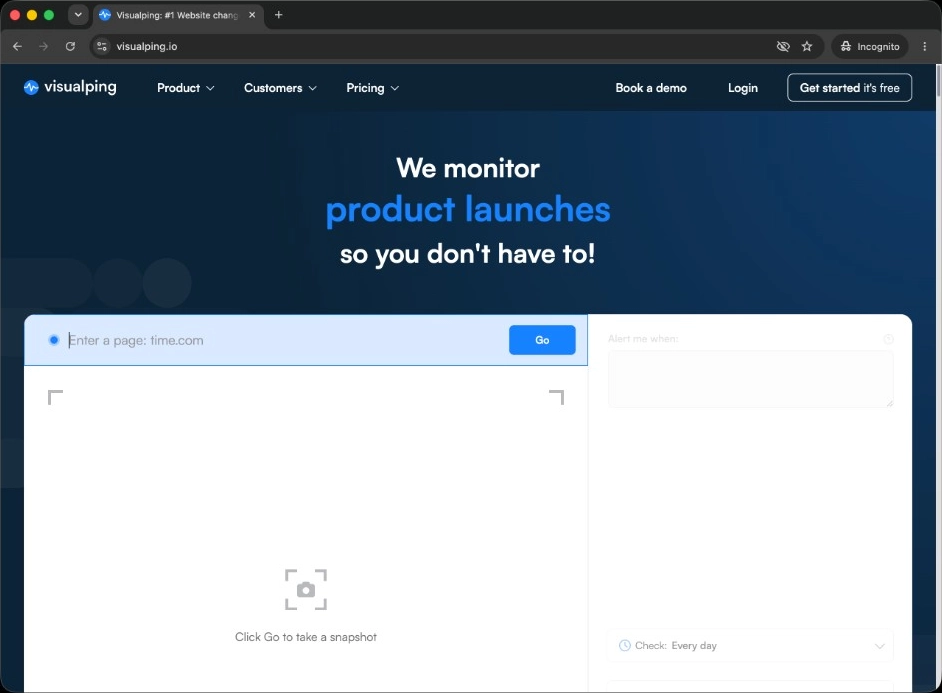
Visualping screenshots a page or cropped region on a schedule and compares renders. You trade Distill's selector precision for a picture in the alert. A rotated logo and a price change both look like "the image moved," so dynamic pricing pages stay noisy even with an AI importance flag. The free tier covers 5 monitored pages and 150 checks a month. Personal plans start from about $10 a month, Business with team workspaces and Slack from about $100 a month. Figures verified at draft time. Visualping fits teams watching relatively static pages who want screenshot evidence. It is a weak swap if your Distill complaint was already selector silence after redesigns: you would trade quiet false negatives for louder false positives.
changedetection.io
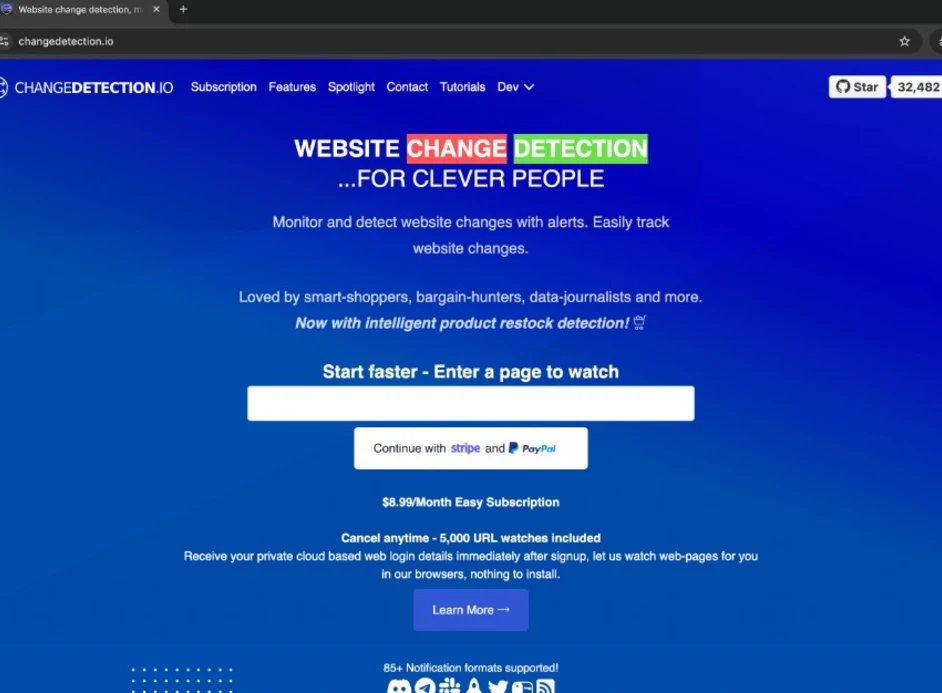
changedetection.io is the open source cousin to Distill's filter model. You can self-host on a VPS or use the hosted plan, diff text or HTML, and apply CSS or XPath filters plus ignore rules. Self-host is free beyond the server. Hosted sits around $8.99 a month for up to about 5,000 URL watches (verify current pricing). It fits engineers who need data residency, air-gapped watches, or high URL volume Distill's free tier cannot cover. The trade-off versus Distill is ops: Docker, storage, and notification plumbing become yours. The trade-off versus structured CI tools is the same as Distill: you still decode which number moved unless your filters are perfect.
ChangeTower
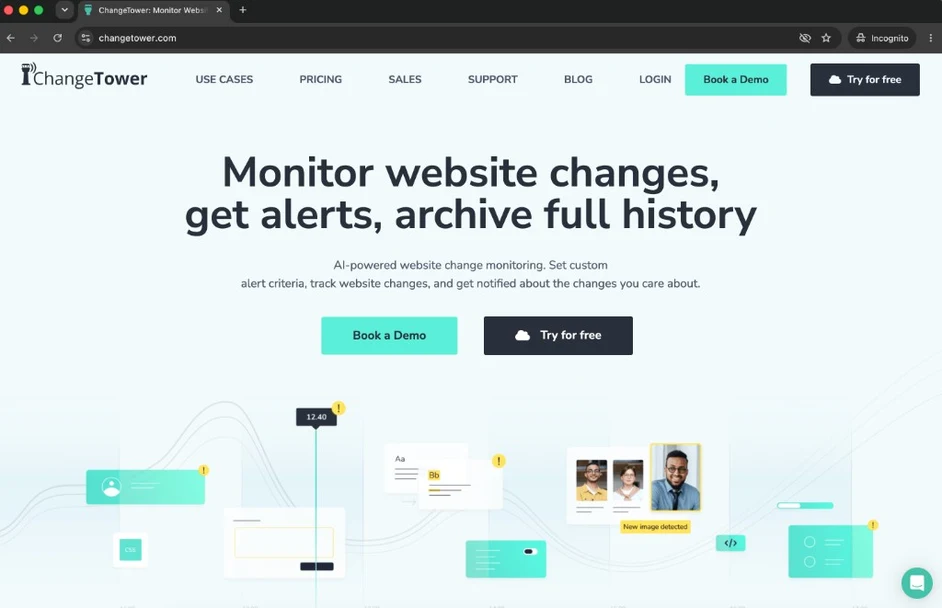
ChangeTower combines visual and HTML content monitoring with an archive of past page versions. You can pull what a competitor pricing page looked like last quarter, not only the latest alert. Keyword rules narrow noise when specific terms appear or disappear. ChangeTower publishes self-serve tiers including a free plan, but the structure has shifted before, so verify current pricing before you commit. It fits compliance reviewers, board-deck timelines, and anyone who needs a defensible record that a claim existed on a given date. The trade-off is that the archive is the product. Finding the changed price inside history is still your job, same as reading a Distill history entry with better browsing UX.
Competiflow
Competiflow extracts competitor surfaces into normalized fields, then diffs those fields. On pricing, that means plan name, price, billing period, and related tier content. When Team moves from $49 to $79, the change names the path, carries both values, assigns severity, and includes why it matters, so triage does not start with "re-open the selector." You add a competitor by homepage URL; discovery finds pricing, changelog, docs, and related monitors. The free trial includes 100 checks, up to 3 competitors, and up to 15 monitors on a daily cadence. Starter is $19 a month for 2,000 checks and 20 monitors with unlimited competitors, Growth $49 for 5,000 checks on a six-hourly cadence, and Pro $99 for 10,000 checks hourly. Plans bill by checks, not seats. The trade-off is scope: Competiflow watches competitive intelligence surfaces. It is a poor fit for retail stock SKUs, job boards, or thousands of arbitrary URLs where Distill or changedetection.io still win.
Cloud vs local Distill monitoring (browser-open trap)
Distill cloud monitoring runs checks on Distill's servers. Local monitoring through the Distill Chrome extension runs only while that browser session is alive. For competitor pricing and changelog jobs, cloud is the reliable mode; local is a convenience that fails quietly.
Local watches are attractive because they can see pages behind your login cookies or use your residential IP. The cost is physical: the laptop must be on, the browser open, and the extension enabled. Close the lid for a weekend trip and you are not monitoring website changes for those URLs. Teams that treat Distill as "always on" without reading the cloud vs local setting discover gaps the hard way, usually after a rival ships a raise.
Cloud monitors remove the browser-open trap. Checks continue whether your laptop is awake. You still own selector maintenance and Distill's check limits on each plan. For a PMM program watching five rival pricing pages daily, cloud is the default that matches the job. Keep local for pages that truly require your session, and accept that those watches are best-effort, not a competitive early-warning system.
Visualping, ChangeTower, and Competiflow are hosted by design, so they do not have Distill's local mode at all. changedetection.io self-host is a different always-on path: your VPS stays up, but you run the stack. The practical rule for Distill users is simple. If the alert must fire while you sleep, use cloud Distill or leave Distill for that URL.
When CSS selectors fail on competitor pricing pages
CSS selectors fail on competitor pricing pages when the DOM churns for reasons unrelated to the values you care about, or when a redesign quietly breaks the contract you encoded. Both are normal on modern SaaS marketing sites.
A selector is a contract with today's markup. Point it at .plan-card--team .price and Distill ignores the hero, the cookie banner, and the chat widget. That is why Distill beats full-page visual diffs for noise while the contract holds. Marketing then ships a new pricing grid: new class names, a React hydration wrapper, or a monthly/annual toggle that remounts the price node. Your selector resolves to empty. Distill may report no change for weeks. Silence looks identical to "nothing moved."
Named scenario. Rival Northwind keeps the same hero copy but raises Team from $49 to $79. A Distill selector that still points at the price node reports $49 to $79 if the node survived. A dead selector reports nothing. A field-level monitor reports something like the following (illustrative; field names match the changes API) Competiflow uses:
{
  "change": {
    "summary": "Team plan raised from $49 to $79/mo",
    "severity": "high",
    "source_url": "https://northwind.io/pricing",
    "why_it_matters": "A 60% Team-tier raise narrows the pricing gap you held; mid-market deals will face a same-price objection sooner",
    "field_diffs": [
      {
        "op": "modified",
        "change_type": "price_increase",
        "path": "plans[Team].price",
        "tier": "alertable",
        "old": "$49",
        "new": "$79"
      }
    ]
  }
}
The path is the point. You should not need a colleague to explain which number moved, and you should not need a monthly DevTools audit to know the monitor is still alive. Selector tools can approximate that if you maintain them. Visual tools and unfiltered HTML cannot. For a deeper look at screenshot-first trade-offs, see Visualping alternatives for pricing pages. For self-host HTML filters, see changedetection.io alternatives.
Which tool should you pick?
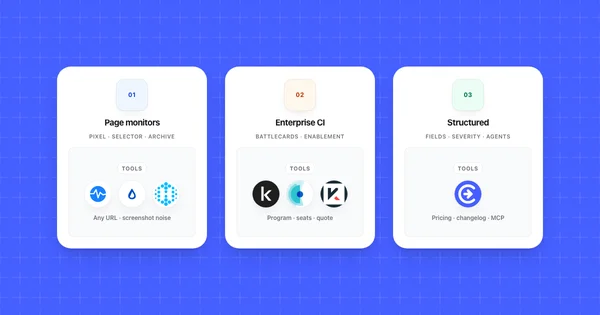
Pick the tool that matches your constraint: selector budget, browser-open risk, self-host needs, archive proof, or interpreted competitor fields. There is no universal winner across website change monitoring jobs.
| Your situation | Choose | Because |
|---|---|---|
| Comfortable writing and repairing CSS selectors Cloud Distill already works |
Distill | Free 25 monitors, precise region control Low noise while selectors hold |
| Local-only Distill watches keep missing changes because the laptop sleeps |
Cloud Distill, or leave Distill for that URL | Local Distill Chrome extension checks only while the browser is open |
| Must keep page data on your own servers or watch thousands of arbitrary URLs |
changedetection.io | Open source self-host, full data control Best cost at high URL volume |
| Need a browsable archive of past page versions for proof |
ChangeTower | Archived snapshots and keyword rules around historical record |
| Want screenshot evidence on relatively static pages |
Visualping | Visual diffs and a real free tier for light volume |
| PMM or founder watching rival pricing and changelogs with field paths in the alert |
Competiflow | Field-level diffs, severity, why_it_matters REST API and MCP |
| Retail stock, job boards, or non-CI URLs at scale |
Distill or changedetection.io | Competiflow is a poor fit outside competitive intelligence surfaces |
Competiflow appears for the CI rows on purpose. It does not replace Distill for selector-based watches or arbitrary URL lists. If those are your constraints, the matrix points back at Distill or changedetection.io.
When staying on Distill is the right call
Staying on Distill is the right call when you already maintain selectors in cloud mode, your watch list is mostly non-CI pages, or the free 25-monitor tier covers the job. Switching tools to chase a field-level workflow you do not have would be a net loss.
Stay when a technical owner already repairs selectors after redesigns and alert quality is good. Stay when Distill is watching inventory, partner portals, or pages where a region text change is enough and nobody needs plans[Team].price in Slack. Stay when cloud Distill is on and you are not depending on the Distill Chrome extension for "always on" competitor coverage.
Also keep Distill as the breadth layer in a hybrid setup. Let Distill own stock SKUs and long selector lists. Point a structured competitor tool at the handful of pricing and changelog pages that create revenue risk when missed. That split respects what Distill is good at.
Do not stay only because migration feels annoying if you already miss raises because local watches slept, or if you spend an hour a month re-picking nodes after every rival redesign. At that point the alternative is not "a better selector." It is a different detection model for those URLs.
Frequently Asked Questions
Is Distill free?
Yes, with limits. Distill offers a free website change monitor tier with 25 monitors. Paid Starter and Professional plans raise check allowances (about $15 and $35 a month at draft time). Confirm current limits on Distill's pricing page before you budget.
What is Distill cloud vs local?
Distill cloud runs checks on Distill's servers whether your laptop is on. Distill local runs through the Distill Chrome extension and only checks while that browser session is alive. For competitor pricing you care about overnight, use cloud. Local is for pages that need your session cookies, with the browser-open trap accepted.
Distill vs Visualping: which should I use?
Distill wins when you will maintain CSS selectors and want low noise on a specific node. Visualping wins when you want screenshot evidence on quieter pages and do not want selector upkeep. Distill fails quiet after redesigns; Visualping fails loud on dynamic pricing layouts.
Distill vs changedetection.io: which should I use?
Distill is better when you want cloud selectors and a generous free monitor count without running Docker. changedetection.io is better when you need self-host, open source ownership, or very high URL volume on a VPS. Neither parses competitor pricing into interpreted field paths the way Competiflow does.
When do Distill selectors break?
Selectors break when the page DOM changes: new class names, remounted price nodes, A/B layout tests, or a full pricing redesign. The monitor can look healthy while returning empty matches, so silence replaces alerts. Fix by re-selecting the node, adding a monthly live-check habit, or moving CI surfaces to field-level monitoring.
When should I stay on Distill?
Stay on Distill when cloud monitors cover your URLs, you maintain selectors happily, and you are watching pages where a region text change is enough. Leave Distill (or add another tool) when local-only watches miss events, redesign silence is recurring, or PMM needs plan names and severity without opening the page.
Does Competiflow replace Distill for every URL?
No. Competiflow watches competitive intelligence surfaces such as pricing, changelog, docs, and homepage. It is not designed for retail stock, job boards, or unlimited arbitrary URL lists. Keep Distill (or changedetection.io) for those watches, and use Competiflow where field-level competitor signal matters.
How do I monitor website changes without alert noise?
Narrow what you watch (selector, region, or schema), prefer cloud over local for always-on jobs, match check cadence to how often the page really moves, and filter by severity or keywords before a human sees the queue. Field-level tools reduce cosmetic noise by construction; selector tools reduce it while the DOM contract holds.
Distill remains a strong free website change monitor when you own the selectors and run them in the cloud. The alternatives above solve different follow-on problems: screenshots with Visualping, self-host volume with changedetection.io, archives with ChangeTower, and field-level competitor monitoring with Competiflow.
If you are choosing for pricing and changelog pages, run a two-week bake-off. Keep one Distill cloud selector and one finalist on the same rival pricing URL. Count cosmetic alerts, note any silent gaps, and check whether a real $49 to $79 style move arrived as a node text change or as a named field path. That count beats any feature matrix, including this one. For setup on the structured side, start with the API quickstart or the broader competitor monitoring tools comparison.