
The alert fires at 6:04 a.m. You open the screenshot, scan the highlighted region, and find a rotated customer logo and a cookie banner that moved four pixels. The pricing table is identical. Two weeks later the same competitor quietly renames its Team plan and raises it from $49 to $79, and you hear about it from a prospect who already got the new quote.
That is the specific failure most people are trying to fix when they search for Visualping alternatives. The tool works. The problem is that a pricing page is a structured document and a visual monitor treats it as an image. This guide compares four alternatives against that one job: catching a real price change, with evidence, without a daily pile of cosmetic alerts.
What you'll learn
- Which parts of Visualping break down on pricing pages, and which still hold up
- A side-by-side table of Distill, Hexowatch, ChangeTower, and Competiflow on detection model, price extraction, cost, and alert noise
- How pixel diffs differ from field-level price extraction, with the JSON a structured monitor returns
- A verdict matrix by buyer type instead of a single ranked winner
- A four-step setup that keeps false positives low on any of these tools
- When staying on Visualping is the correct call
TL;DR: Visualping compares rendered screenshots, so a price change and a layout shift look similar until a person opens the alert. Distill fixes that with manual selectors, Hexowatch with a dedicated price monitor type, ChangeTower with archived page history, and Competiflow with field-level extraction that names the plan row that moved. Pick based on whether you want to maintain selectors, watch many page types, or get interpreted pricing diffs.
Why teams look for Visualping alternatives
Most teams leave Visualping for one of three reasons: visual diffs generate cosmetic alerts on pricing pages that A/B test, the free tier runs out fast, or they need the change data somewhere other than an inbox. None of these are defects. They are the boundaries of a visual-snapshot model applied to a page that changes for several reasons at once.
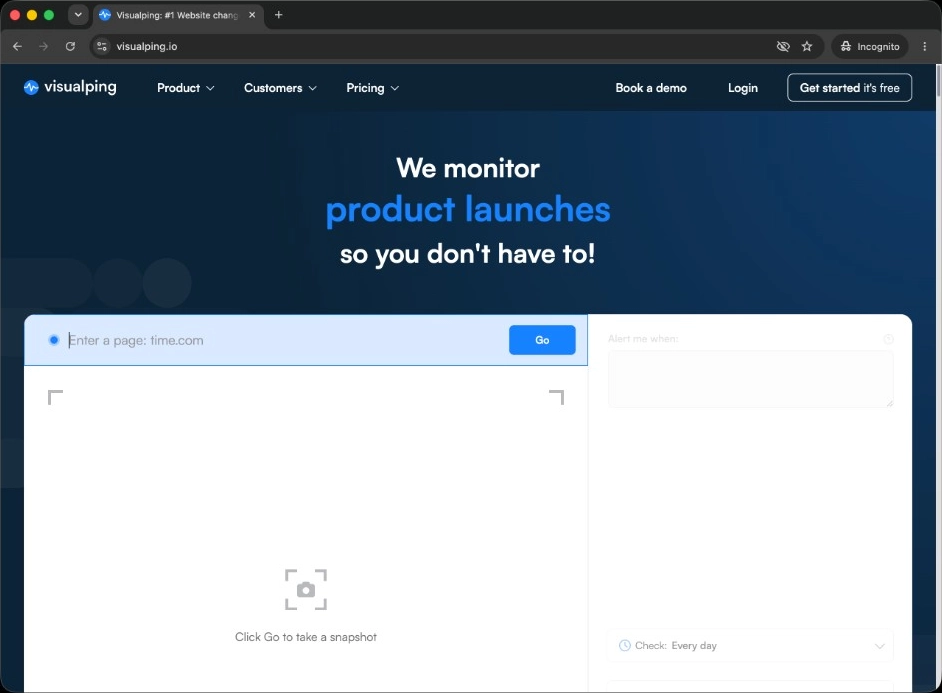
Visualping screenshots a page or a selected region on a schedule and compares the render against the previous capture. An AI summary and an "important" flag sit on top of that diff, which helps, but the underlying signal is still image difference. On a static press page the model is close to perfect. On a SaaS pricing page carrying a rotating testimonial, a chat widget, a currency toggle, and a monthly/annual switch that sometimes loads in a different default state, it fires on all of them. The free tier covers 5 monitored pages and 150 checks a month, Personal plans start from about $10 a month, and Business plans with team workspaces and Slack alerts from about $100 a month. Pricing was verified at draft time; check the current plan page before you budget.
The second reason is volume math. One page checked hourly costs about 720 checks a month against a free allowance of 150, so a single pricing page on a fast cadence puts you on a paid plan immediately. The third reason shows up later: teams want the old and new price in the Slack message body, or in an API response an agent can read. A screenshot link does not carry either.
Visualping alternatives compared for pricing pages
Distill, Hexowatch, ChangeTower, and Competiflow split on two axes: how much setup you own, and whether the alert carries a parsed price or a region to inspect.
| Tool | Detection model | Price extraction | Check model and entry price | Alert noise on pricing pages | API / MCP | Team visibility |
|---|---|---|---|---|---|---|
| Visualping | Visual snapshot diff, optional region crop | None, you read the screenshot | Free 5 pages / 150 checks; Personal from about $10/mo; Business from about $100/mo | High on dynamic pages, AI flag helps triage | Limited, integration-focused | Business tier adds workspaces, Slack, Teams |
| Distill | CSS/XPath selector on a page region, text or visual | Manual, if your selector isolates the price node | Free 25 monitors; Starter $15/mo; Professional $35/mo | Low while selectors hold, spikes after a redesign | Limited public API | Shared monitors on higher tiers |
| Hexowatch | Multiple monitor types including HTML element and price (count verified at draft time) | Yes, via the dedicated price monitor per element | Pro $29/mo; Business $55/mo, no permanent free plan | Low on the price monitor, higher on visual mode | Zapier and webhooks, no MCP | Multi-user on higher tiers |
| ChangeTower | Visual and HTML/content diff with archived snapshots | None, archive plus keyword rules | Self-serve tiers with a free plan; verify current pricing | Moderate, keyword filters reduce it | Webhooks and Zapier | Basic sharing and reports |
| Competiflow | Field-level diff on normalized pricing fields | Yes, plan name, price, and tier extracted as fields | Free trial: 100-check allowance, daily cadence; Starter $19/mo (2,000 checks); Growth $49/mo; Pro $99/mo | Low, cosmetic churn is not a tracked field | REST API and MCP server | Workspaces, shared feed, email digest |
No row wins every column. Distill is cheapest per monitored page if you enjoy CSS selectors, Hexowatch covers the widest set of page types, ChangeTower is the only one built around a browsable archive, and Competiflow returns the plan row that changed as structured fields.
Pixel diffs vs field-level price extraction
A pixel diff answers "did this page look different?" A field-level diff answers "did the Team plan price change?" On a pricing page only the second question is worth an alert.
A visual monitor renders the page, subtracts the previous render, and reports where the images disagree. Everything in that region counts equally: a price, a testimonial photo, a font that loaded late. A raw HTML monitor is often worse on modern pricing pages, because build hashes and hydration markers churn on every request whether or not a visible value moved.
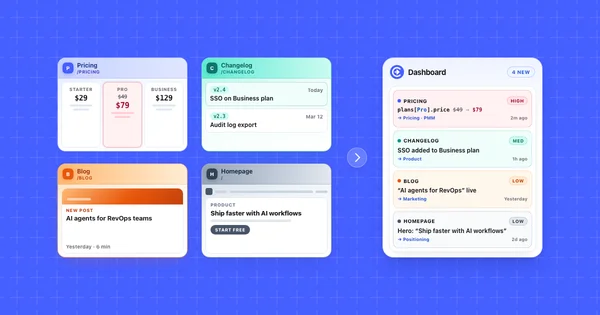
Field-level extraction parses the page into named values first. A pricing page becomes a set of plans, each with a name, a price, a billing period, and a feature list. Only then does the comparison run, and only against tracked fields. A rotated logo is not a field, so it cannot produce an alert. When a tracked field does move, the record carries the path, both values, and a severity:
{
  "change": {
    "summary": "Team plan raised from $49 to $79/mo",
    "severity": "high",
    "source_url": "https://northwind.io/pricing",
    "why_it_matters": "Northwind undercuts your Team tier by $10/mo on annual billing",
    "field_diffs": [
      {
        "op": "modified",
        "change_type": "price_increase",
        "path": "plans[Team].price",
        "tier": "alertable",
        "old": "$49",
        "new": "$79"
      }
    ]
  }
}
That envelope matches the Competiflow changes API (change object with summary, severity, why_it_matters, and field_diffs). Any structured monitor should give you something comparable even with different field names: a path identifying what moved, both values, and a source URL. A screenshot link plus a percentage-changed number still leaves interpretation to you.
Field extraction has a real cost, which is why not every tool does it. Each page type needs a schema, and a competitor who invents a genuinely new pricing layout can force the parser to adapt. Selector tools push that same maintenance onto you. Visual tools avoid it and hand you the triage bill instead.
Four Visualping alternatives reviewed
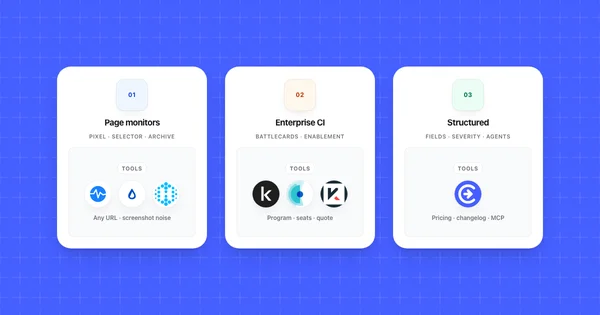
Configuration cost is the main split: Distill and Hexowatch push selector or element setup to you, ChangeTower centers on archived snapshots, and Competiflow parses pricing fields automatically. Each review below covers pricing, fit, and the trade-off that product makes.
Distill
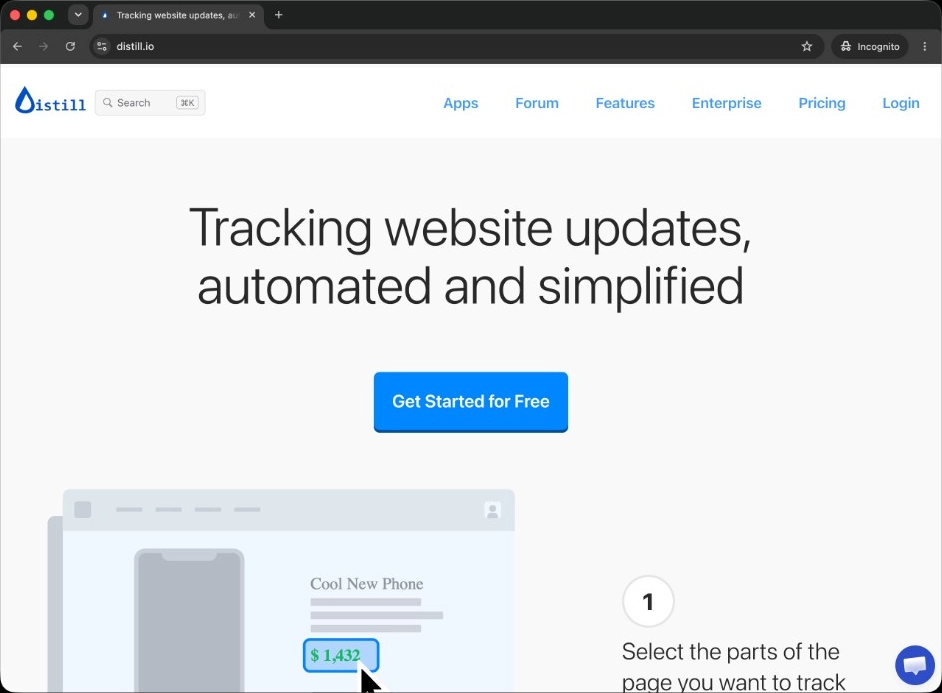
Distill points a monitor at an exact page region using a CSS or XPath selector, runs it in the cloud or locally through a browser extension, and keeps a per-monitor change history. On a pricing page you can select the price node inside the Team plan card and ignore the rest, which removes most cosmetic noise in one step. The free tier covers 25 monitors, Starter runs $15 a month, and Professional $35 with a larger check allowance, verified at draft time. Distill fits engineers and technical PMMs who live in DevTools and want the lowest cost per monitored page. The trade-off is upkeep. A selector is a contract with a page's DOM, and a redesign breaks that contract silently, so you find out by noticing nothing has fired in three weeks.
Hexowatch
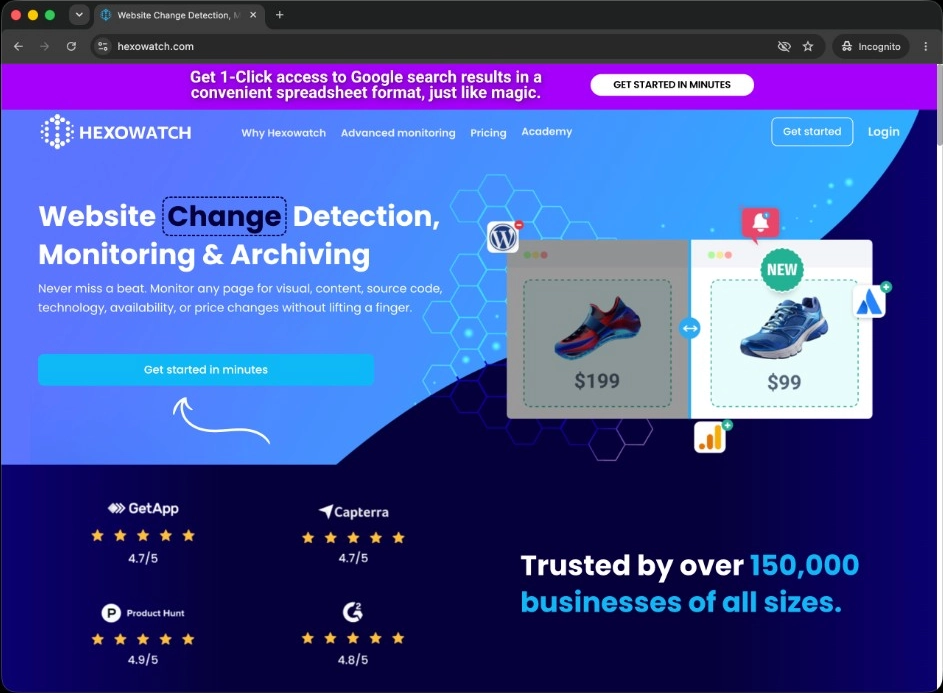
Hexowatch ships multiple monitor types (count verified at draft time), including one built for price and HTML element tracking. You get element-level detection without writing selectors by hand. Visual, content, keyword, source code, technology, and sitemap monitors sit alongside it, which makes Hexowatch the broadest option here. Pro runs $29 a month and Business $55, with no permanent free plan, only a trial. It fits teams watching more than pricing: a marketplace seller tracking stock across many product URLs, or a brand team watching keyword and tech-stack changes at once. The trade-off is depth per page. The price monitor tracks the element you point it at, close to a selector in practice, and returns a value change without competitive context.
ChangeTower
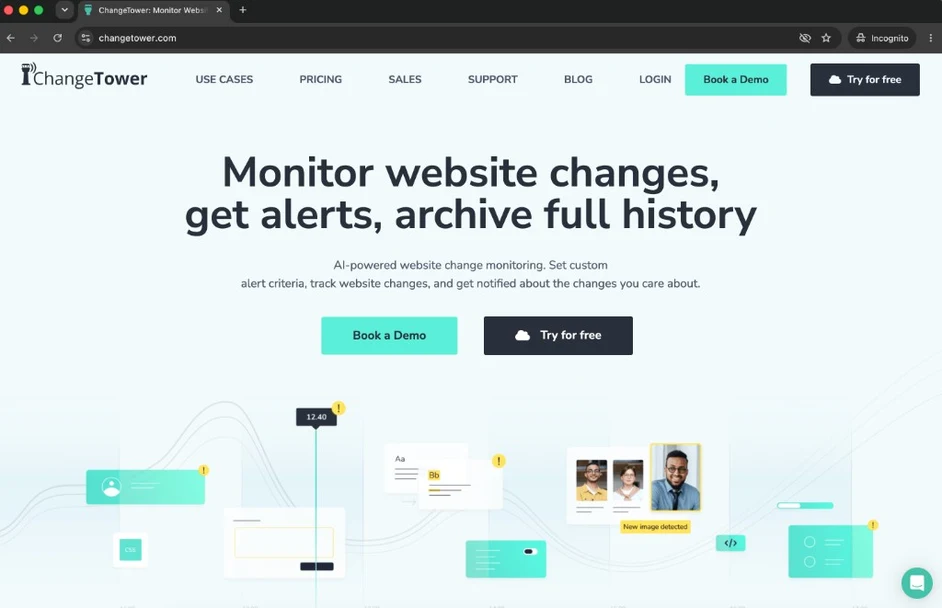
ChangeTower combines visual and HTML content monitoring with an archive of past page versions, so you can pull up what a competitor's pricing page looked like last quarter instead of seeing only the most recent diff. Keyword rules narrow alerts to pages gaining or losing specific terms, which cuts some noise. ChangeTower publishes self-serve tiers including a free plan, but the tier structure has shifted more than once, so check the current pricing page before you commit. It fits teams that need a defensible record: compliance reviewers, anyone reconstructing a pricing timeline for a board deck, or a marketer proving a rival's claim existed on a given date. The trade-off is that the archive is the strength, not price parsing. Finding the changed number inside the history is still your job.
Competiflow
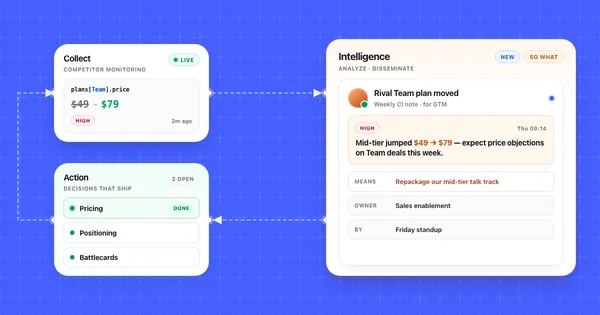
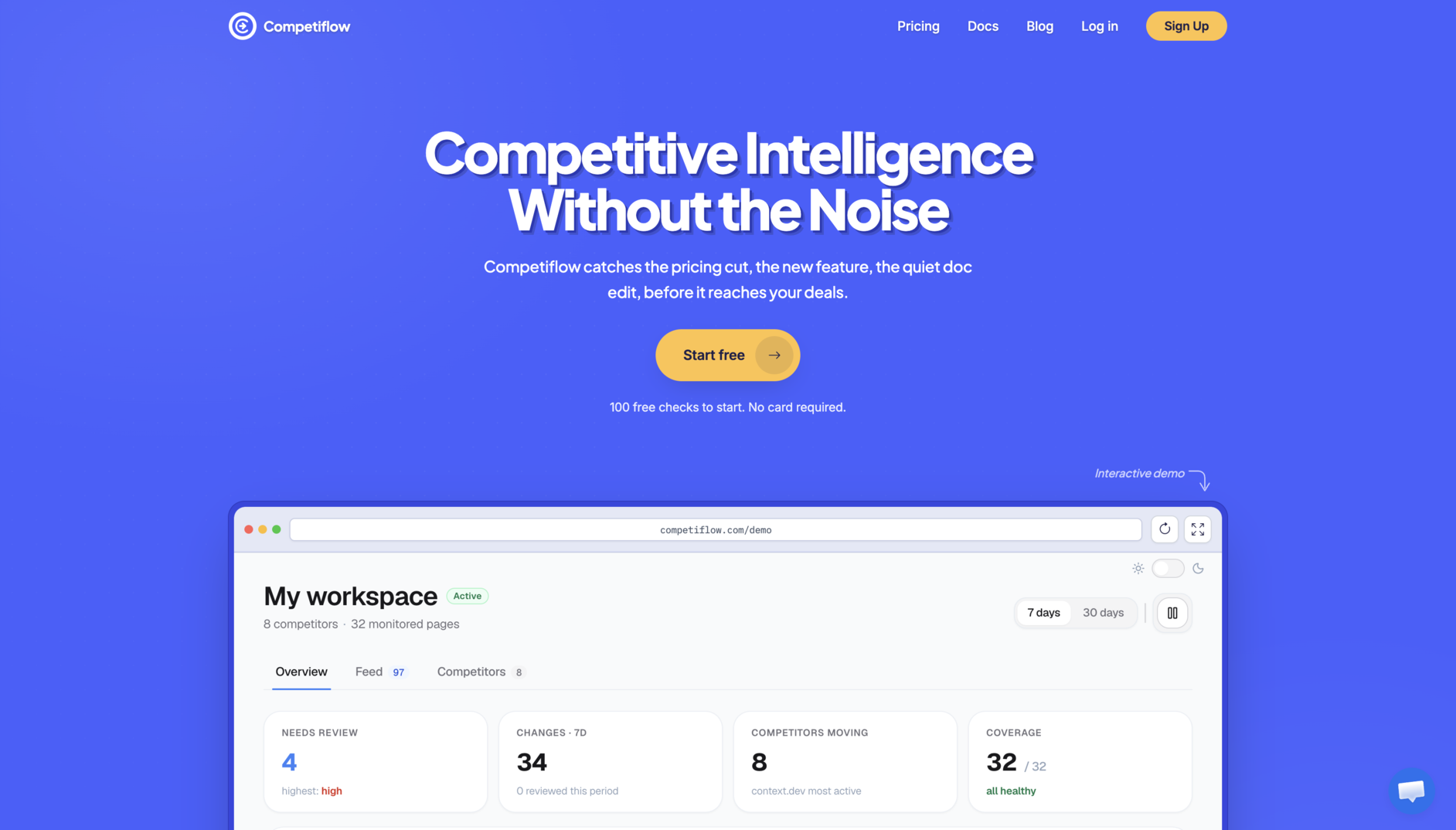
Competiflow extracts pricing pages into normalized fields: plan name, price, billing period, and tier contents. The comparison runs on those fields, not the render. When the Team plan moves from $49 to $79, the change record names the plan, carries both values, assigns a severity, and includes a why_it_matters line, so the alert reads without opening the page. You add a competitor by homepage URL and discovery finds the pricing, changelog, docs, and blog pages for you. The free trial includes 100 checks, up to 3 competitors, and up to 15 monitors on a daily cadence. Starter is $19 a month for 2,000 checks and 20 monitors with unlimited competitors, Growth $49 for 5,000 checks six-hourly, and Pro $99 for 10,000 checks hourly. Plans bill by checks, so a fourth competitor costs checks, not a seat. The trade-off is scope: Competiflow watches competitive intelligence surfaces. A job-board scrape or a stock check on a retail SKU belongs in Hexowatch or Distill.
Choose the right Visualping alternative for your team
No single tool wins every row. The pick follows your role and constraint, which the matrix below maps directly.
| Your situation | Choose | Because |
|---|---|---|
| PMM who needs the changed plan row in Slack not a screenshot to open |
Competiflow | Field-level diffs carry old value, new value, severity, and why_it_matters |
| Founder tracking three or four rivals on a small budget |
Competiflow or Distill | $19/mo with unlimited competitors or a free tier if you will maintain selectors |
| Engineer who wants API access and agent-readable output |
Competiflow | REST API plus an MCP server your agent can call directly |
| Comfortable writing and repairing CSS selectors for the lowest price |
Distill | 25 free monitors precise control over what each monitor reads |
| Needs a browsable archive of past page versions for compliance or proof |
ChangeTower | Archived snapshots and keyword rules built around historical record |
| Watching many page types at once: price, stock, keywords, tech stack |
Hexowatch | Multiple monitor types in one account |
Three rows point at Competiflow, which is worth naming plainly: it is the one option here built specifically for competitor pricing, so it does that job well and does not attempt the others. If you need stock levels or an archive of every page version, the other tools win outright.
How to monitor a competitor pricing page without the noise
The setup that keeps false positives low is the same across tools: narrow what you watch, set a cadence that matches how often the page actually changes, filter by severity, and check the monitor is still alive. Four steps, in order.
1. Watch the pricing table, not the whole page. Restrict the monitored area to the plan cards: a selector on the pricing grid in Distill, the HTML element monitor on the price node in Hexowatch, the pricing schema in Competiflow. This step alone removes cookie banners, chat widgets, and footer updates from your alert stream.
2. Match cadence to reality. SaaS pricing pages change a few times a year, not a few times a day. A daily check catches a move within 24 hours for about 30 checks a month. Hourly monitoring buys 720 checks and the same single alert. Save the fast cadence for changelogs and launch pages.
3. Filter by severity before a human sees it. A new footnote and a $30 price increase should not land in the same queue. Route high-severity pricing changes to Slack and let the rest collect in a weekly digest. Without a severity concept, approximate it with keyword rules on currency symbols and plan names.
4. Confirm the monitor still works. Everyone skips this one. Selector and element monitors fail silently after a redesign, and silence looks identical to "nothing changed." Once a month, confirm the tool logged a recent successful check.
For the wider framing of what belongs in a monitoring program beyond pricing, see what competitor monitoring covers and how it feeds a competitive intelligence practice.
When Visualping is still the right choice
Visualping remains the better pick when the page you are watching is static, when you are watching many unrelated pages casually, or when a screenshot is the evidence you actually want. Those cases are common, and switching tools would cost you more than it returns.
A visual diff is the correct model for a page with no structure worth parsing: a careers page, a regulatory notice, a status page, a conference agenda. There are no fields to extract, so a screenshot with a highlighted region is a genuinely good answer.
Breadth at zero cost is the other case. Five monitored pages and 150 checks a month is a real free tier, and for one person tracking a few rivals loosely, pricing-page noise is an annoyance rather than a workflow problem. The economics tip when triage time exceeds the price difference, usually past three or four competitors and a weekly review habit.
Some teams also want the screenshot itself. A before-and-after image is more persuasive in a leadership review than a JSON path, whatever the detection quality underneath. Running a visual monitor for the picture and a structured monitor for the signal is more sensible than it sounds at $10 and $19 a month.
Frequently Asked Questions
What is the best Visualping alternative for pricing pages?
Competiflow fits teams that want plan names and prices as fields in the alert body. Distill is cheapest if you will maintain CSS selectors yourself. Hexowatch is broadest if you also watch stock levels and keywords. The right pick depends on whether you want parsed prices, selector control, or monitor-type breadth.
Is there a free Visualping alternative?
Yes. Distill's free tier covers 25 monitors, the most generous allowance in this comparison. ChangeTower also publishes a free plan, and Competiflow has a free trial with 100 checks, up to 3 competitors, and up to 15 monitors. Hexowatch has no permanent free plan, only a trial.
How much does Visualping cost?
Visualping offers a free tier with 5 monitored pages and 150 checks a month. Paid Personal plans start from about $10 a month, and Business plans with team workspaces and Slack or Teams alerts from about $100 a month. These figures were verified at draft time and Visualping revises its tiers periodically, so confirm on the current pricing page.
Why does Visualping send so many false alerts on pricing pages?
Visualping compares rendered screenshots, so anything that changes the image counts as a change. SaaS pricing pages carry rotating testimonials, chat widgets, promotional banners, and A/B tested layouts that move independently of the prices. The AI "important" flag filters some of this, but the comparison underneath is still image-based, so a repositioned logo and a price increase both start as a visual difference.
Can Visualping extract prices from a pricing table?
Visualping detects that a region changed and can summarize it, but it does not parse the pricing table into plan names and price values you can compare or export. Element-level tracking in Hexowatch, a selector you maintain in Distill, or field-level extraction in Competiflow gets you a named plan and both values in the alert.
What is field-level price extraction?
Field-level price extraction parses a pricing page into named values, such as plans[Team].price, before any comparison runs. The monitor then compares only those tracked fields against the previous snapshot, so a cookie banner or a new hero image cannot trigger an alert. When a price does move, the change record includes the path, both values, and a severity.
Can an AI agent read competitor pricing changes?
Yes, if the tool exposes structured output through a documented API. Competiflow provides a REST API and an MCP server, so an agent in Cursor or Claude Desktop can call list_changes filtered to pricing monitors and read interpreted diffs directly. Visualping, Distill, Hexowatch, and ChangeTower lean toward Slack, email, Zapier, and webhook delivery aimed at a person rather than an agent.
Visualping is a good visual monitor being asked to do a parsing job. If your pages are static and your volume is low, that mismatch never surfaces. If you triage screenshots of a pricing table every week, the alternative you want depends on which cost you would rather pay: selector maintenance with Distill, breadth over depth with Hexowatch, an archive-first record with ChangeTower, or field-level extraction with Competiflow.
Whichever you shortlist, run one test before you commit. Point two finalists at the same competitor pricing page for two weeks, wait for a genuine change, and count how many unrelated alerts arrived alongside it. That number decides the tool better than any feature table, including this one. For the wider market beyond pricing pages, see the full competitor monitoring tools comparison. For a direct head-to-head between Competiflow and Visualping on detection, noise, and pricing, see Competiflow vs Visualping.